
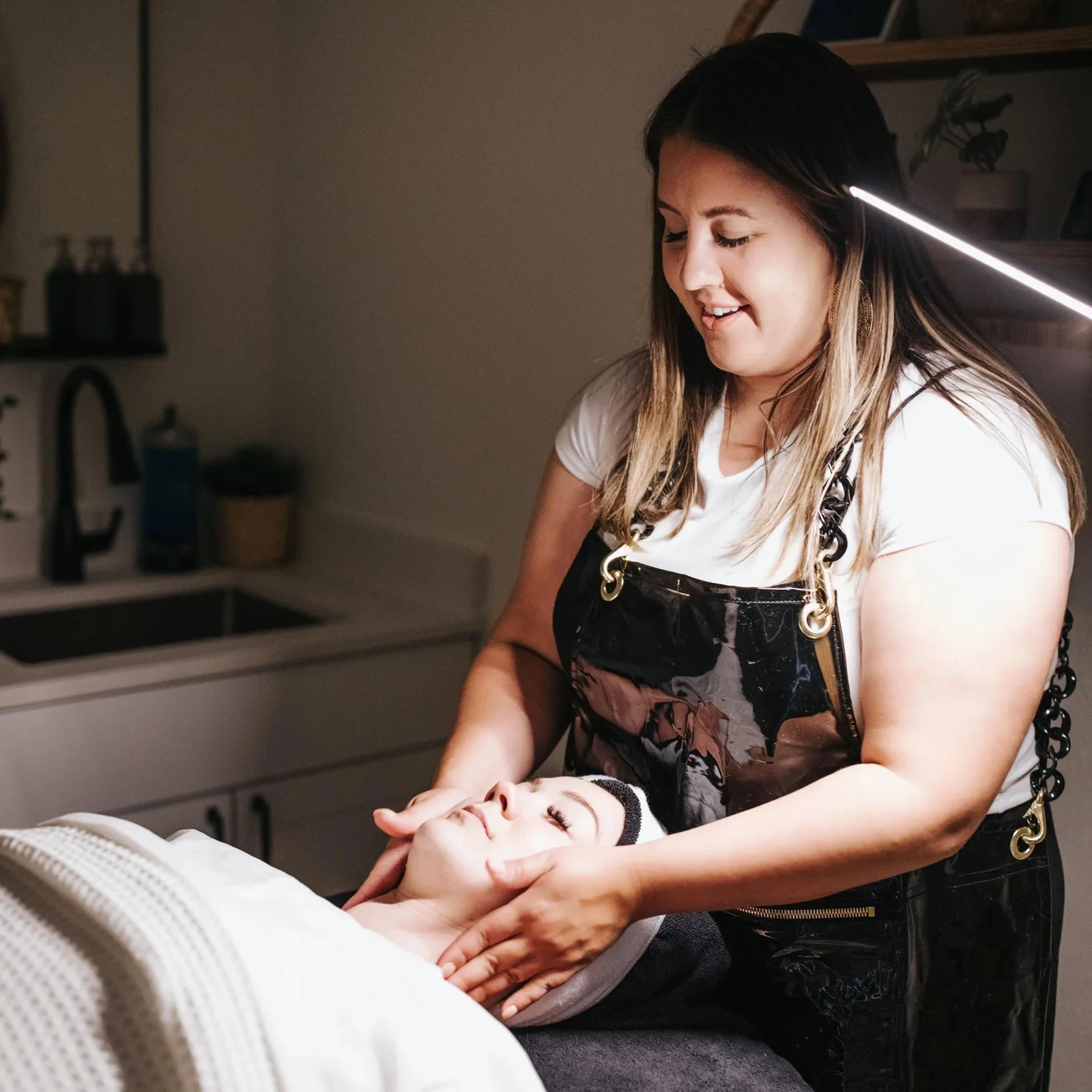
Estheticians
Esthetician booking software for skincare appointments
An esthetician sells appointments: a facial, a brow service, a peel, each with its own time and price. OperMae is booking software for that menu. Clients reserve an open time, and the visit stays on your calendar with their details.
Skincare appointments need a service, a time, and a few answers
A first facial and a return visit are not the same length, and a new client often needs to confirm a policy or complete a form before they arrive.
OperMae lets you publish each service, collect a deposit when you want one, and attach an intake form or waiver. Forms and waivers are $10/month on Pro and included on Team. Those forms are documents you write. They are not a medical chart.
What an esthetician can set up
Services with honest durations
A brow tint, a facial, and a longer treatment each get the duration and price you enter. Add-ons can add minutes and price to the same visit.
Your hours, or a small team's hours
A solo esthetician books against their own weekly hours. If someone else also takes appointments, they get their own services, hours, and time off.
Forms and waivers
You can attach an intake form, a consent, or a waiver to a service so the client completes it while booking. Forms and waivers are $10/month on Pro and included on Team. It does not create a clinical record.
Notes that stay internal
The client profile holds contact details, past appointments, amount spent, and notes you write for yourself. Clients do not see those notes on the booking page.
How a skincare visit is booked
The client chooses the service
They see the facial, brow service, or other treatment you published, with its length and price.
They pick a time you can keep
The page uses your hours and any day you have marked unavailable.
They complete what you attached
That can be your booking questions, and on Pro or Team a form or waiver tied to the service.
You see the appointment before they arrive
The visit is on the calendar, with their answers, and they receive an email confirmation and reminder.
Esthetician examples
A first visit that needs a form
Attach your intake or consent to that service. The client fills it in as part of booking, on Pro or Team. You are still the author of the form.
A return facial with a deposit
Leave the form off if you do not need it again, and require a deposit only on the services you choose.
A studio with one room
Your availability is the room. Clients cannot book over a time you have closed or already given to another appointment.
What you do not have to keep in a separate thread
- The service, the time, and the client's answers arrive together.
- Cancellation rules are shown before the client confirms.
- Gift cards are included on Pro and Team if you sell them for future visits.
- You can export clients and appointments when you want a copy outside OperMae.
Questions
Is this medical or clinical software?
No. OperMae books skincare appointments and can store the forms and notes you write. It is not clinical software, and it does not build a care plan.
Are intake forms included?
Forms and waivers are $10/month on Pro and included on Team. You write the form and attach it to a service. They are not a clinical product.
Can I ask about skin concerns before the visit?
You can add your own booking questions, or a form when Forms and waivers is active. It is $10/month on Pro and included on Team. OperMae stores the answer with the booking. It does not interpret it as a diagnosis.
How does the trial work?
14-day free trial · Card required, $0 due today. Current plans are on the pricing page.
See the booking page before you commit.
Start a trial when you are ready. 14-day free trial · Card required, $0 due today.